Your files, available offline
Import from Files, Open In, drag and drop, or Finder. VoxArk keeps a managed local copy for dependable reading.
Bring your EPUB, PDF, and TXT files. Read offline, listen with Apple voices, and keep your library in step across your Apple devices.
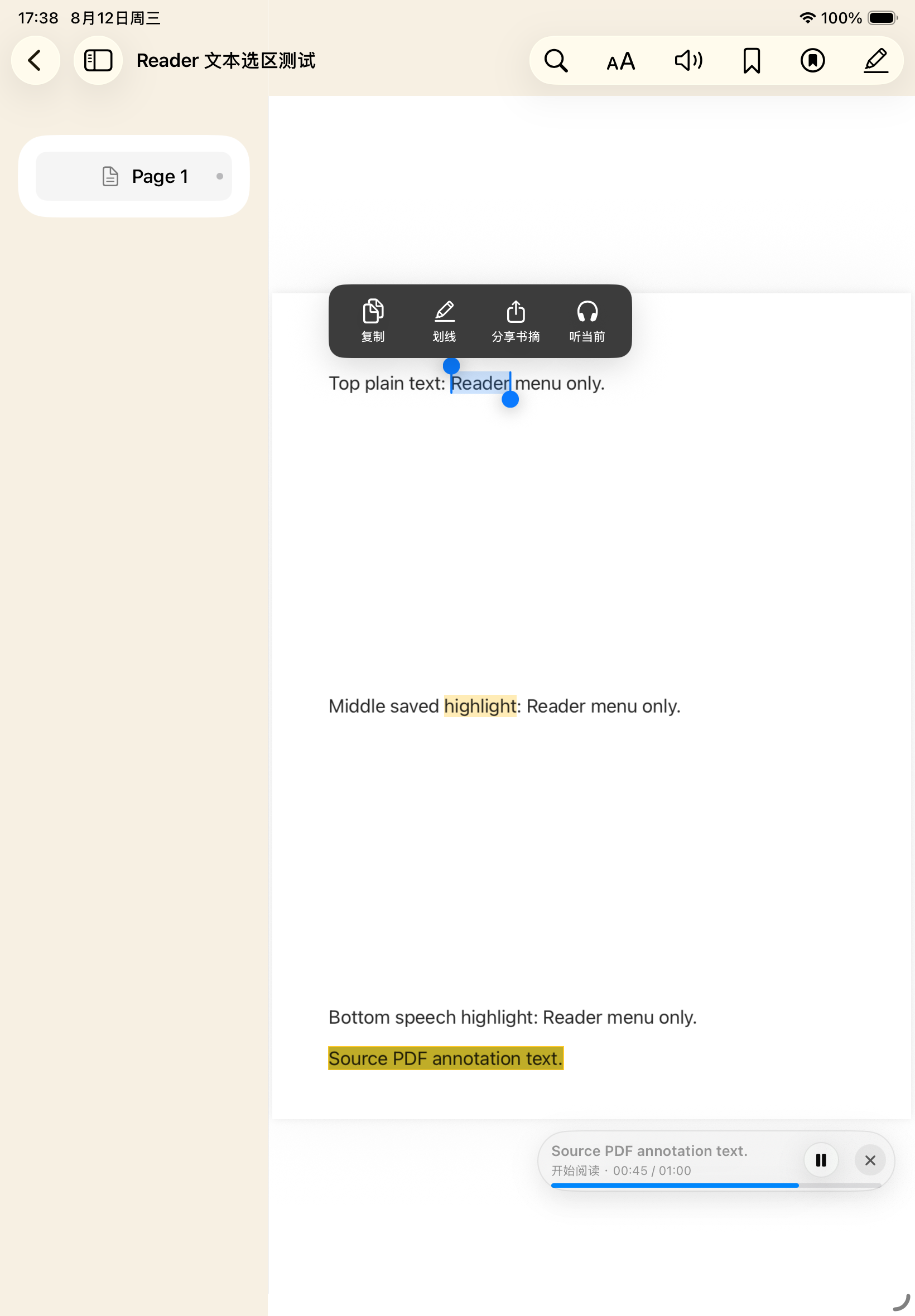
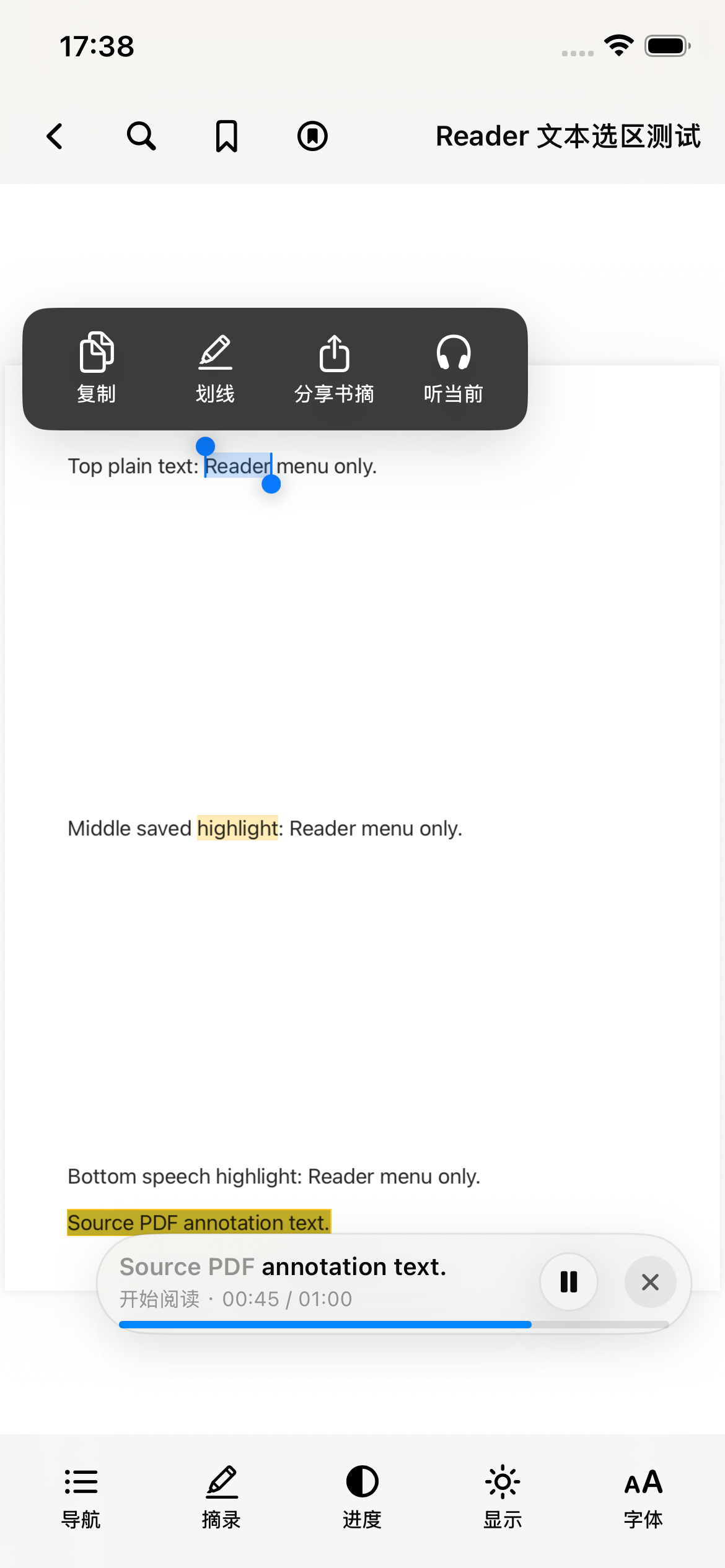
Reading and selection examples using sample content.
VoxArk turns the files you choose into a private, maintainable library without asking you to create another account.
Import from Files, Open In, drag and drop, or Finder. VoxArk keeps a managed local copy for dependable reading.
Read and search EPUB, PDF, and TXT. Adjust type, spacing, margins, and reading themes in EPUB and TXT.
Apple's on-device voices narrate EPUB, PDF, and TXT while VoxArk highlights the current passage and preserves your place.
Scroll away while narration continues. VoxArk remembers your reading position without forcing the page back to the speaker.
Add bookmarks, highlights, and notes. On iPhone and iPad, turn a selected passage into a shareable excerpt card.
No VoxArk account. No advertising profile. App Lock stays on your device, and remote speech is used only if you configure it.
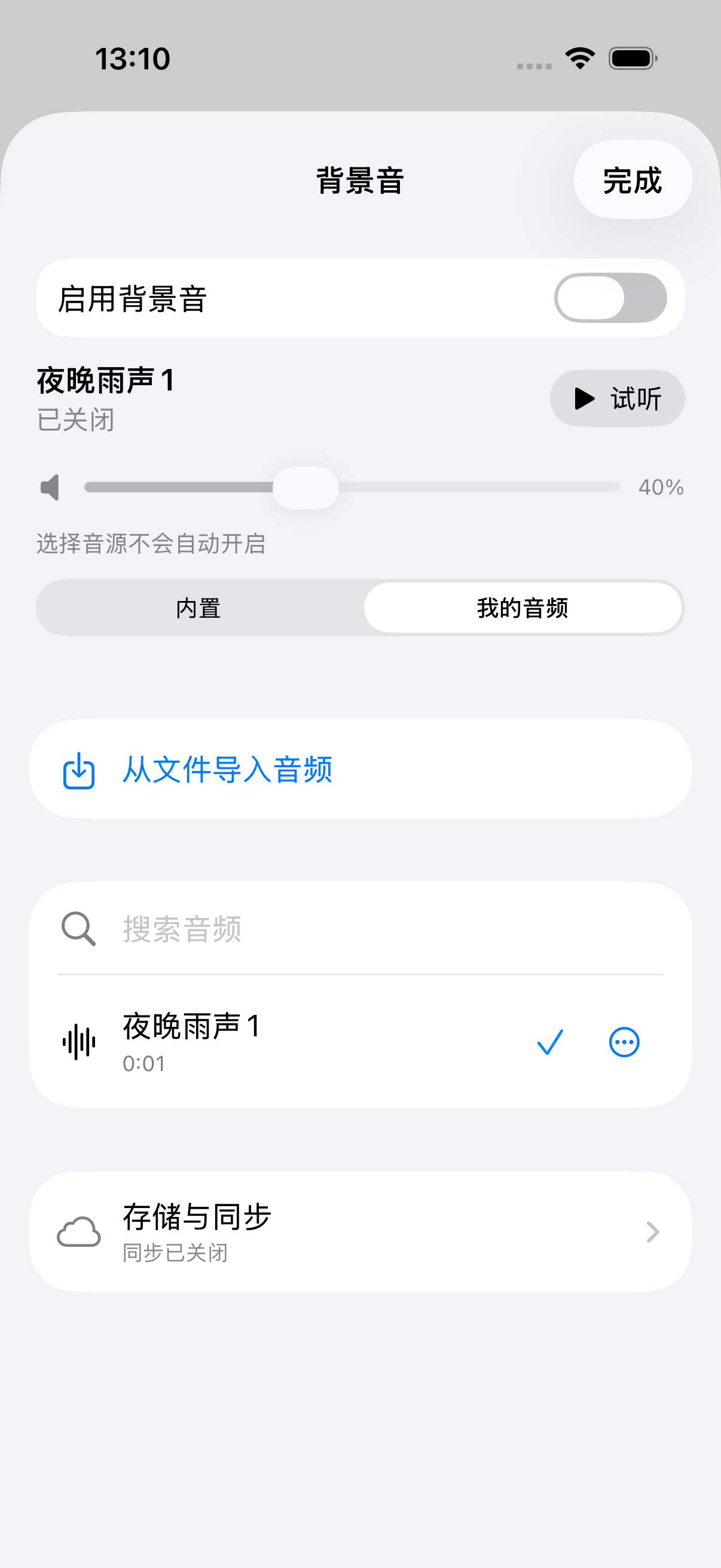
On iPhone and iPad, choose a background sound or import your own MP3, M4A, or WAV. Adjust its volume and use the sleep timer.
Set daily reading and annual book goals, explore your activity, and choose an optional daily reminder. Reading and listening count toward your time goal.
Start from the page, continue from the Lock Screen or headphones, and return to the sentence being spoken. VoxArk keeps explicit reading and narration positions so your manual navigation remains yours.
iCloud sync is enabled by default and can be turned off in Settings. When available, your Apple Account keeps books, reading and narration positions, bookmarks, highlights, notes, activity, and reading settings in sync.
Try VoxArk before release. Follow the TestFlight guide to install the beta on your Apple device.